If you are trying to figure out the exact difference between Photostick and Photostick Mobile, the answer comes down to what device you are using to store your photos. The standard Photostick is built exclusively for desktop and laptop computers (Windows and Mac). The Photostick Mobile is designed specifically for smartphones and tablets (iOS and Android). Below, we compare the features, backup speeds, and device compatibility so you can choose the right backup drive for your memories.
Photostick Offers Two Versions:
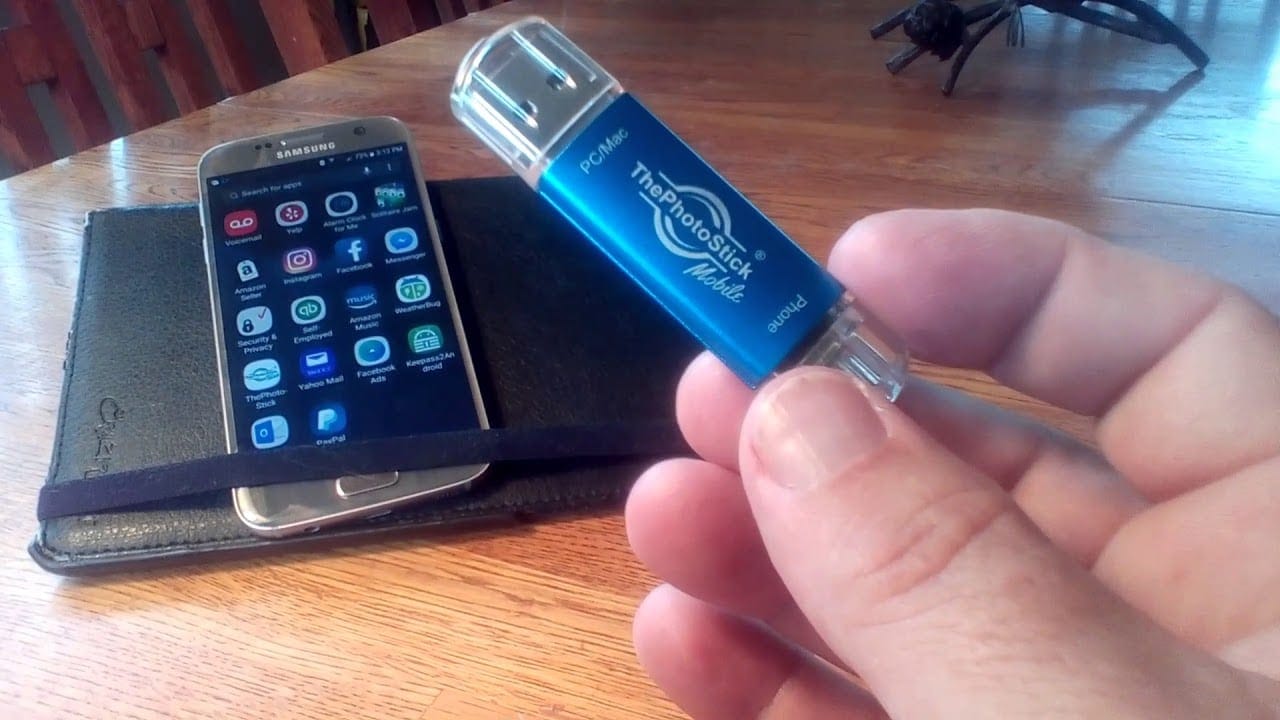
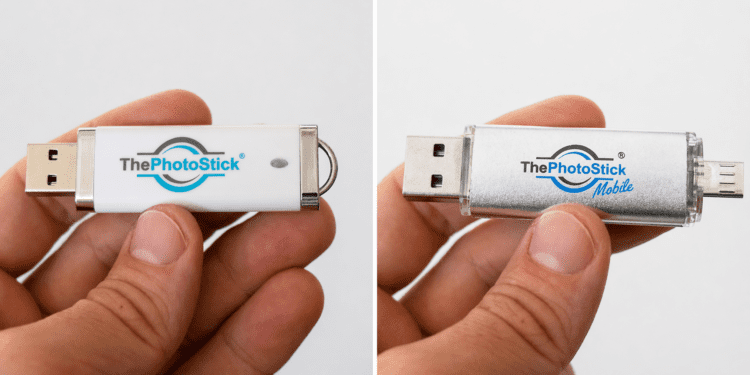
Now you might be wondering, what exactly is the difference between Photostick and Photostick mobile? The only difference between both these versions is, Photostick is designed for the computer operating system and Photostick Mobile is for the mobile operating system.
What is the difference between Photostick and Photostick Mobile?
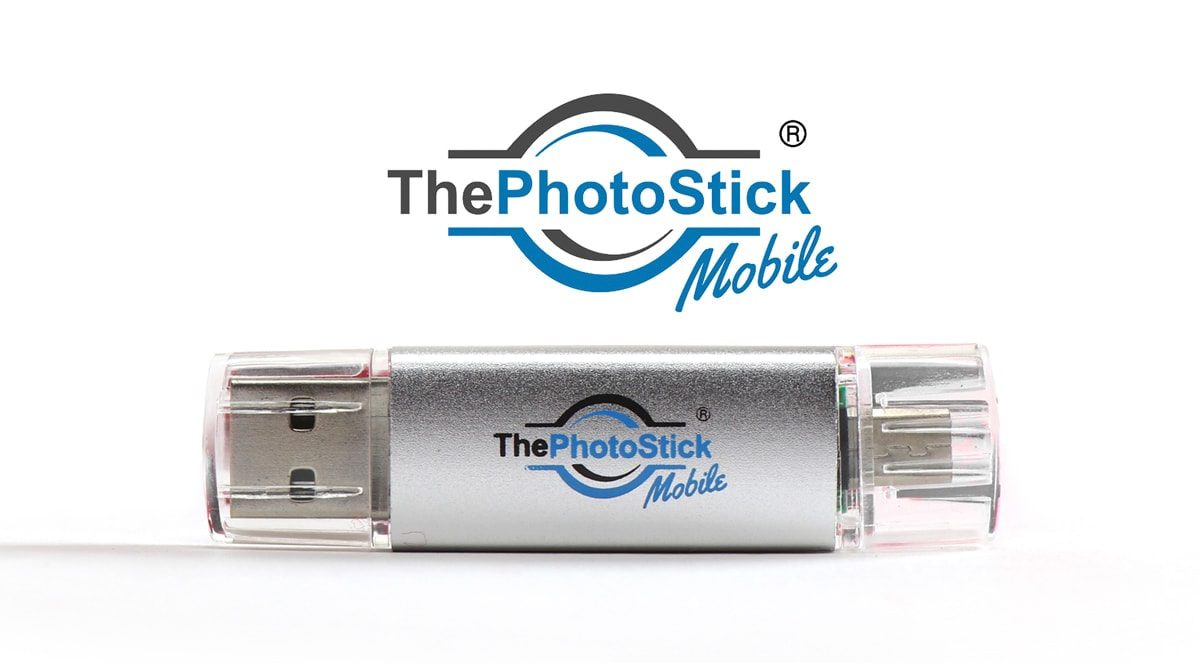
The main difference is hardware compatibility. The standard Photostick features a USB-A connector and works only on computers. The Photostick Mobile features multi-port connectors (Lightning, USB-C, Micro-USB) allowing it to plug directly into iPhones and Android smartphones, bypassing the need for a desktop transfer.
Which is better: Photostick or Photostick Mobile?
Neither device is universally better; it depends entirely on where your unorganized photos are currently saved. If your photos are scattered across computer folders, the standard Photostick is better. If your phone storage is completely full and you need immediate space, the Photostick Mobile is the better choice.
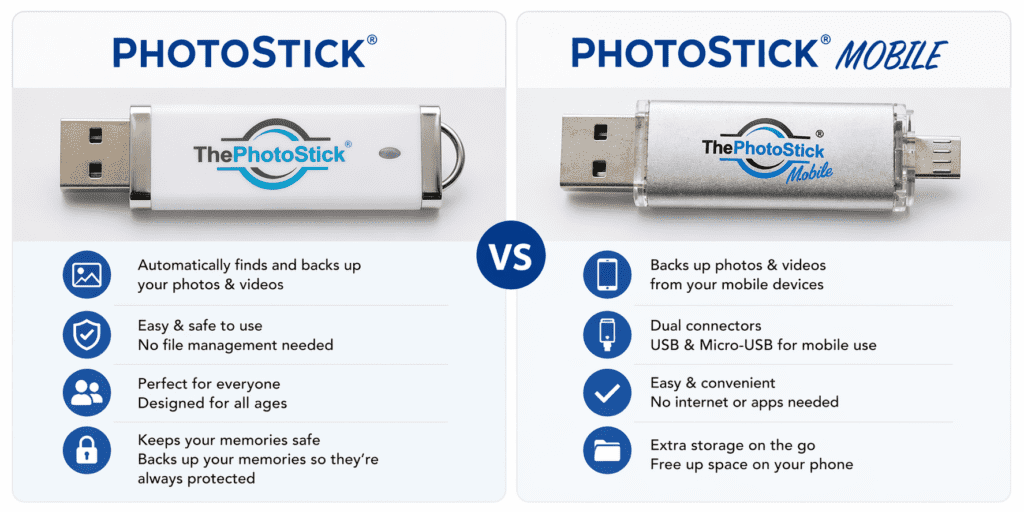
| Feature | ThePhotoStick (Standard) | ThePhotoStick Mobile |
| Primary Device | Computers & Laptops | Smartphones & Tablets |
| Connector Type | Standard USB-A | Lightning, USB-C, Micro-USB |
| Operating System | Windows & macOS | iOS & Android |
| Software Required | Built-in Desktop Program | Free App Download (iOS/Android) |
| Internet Connection | Not Required | Required once (to download app) |
| Duplicate Finder | Yes, automatic | Yes, automatic |
| File Types | JPG, PNG, MOV, MP4, RAW, etc. | JPG, PNG, HEIC, MOV, MP4, etc. |
| Price Point | Usually lower | Usually slightly higher due to adapters |
What is Photostick? (The Standard Version)
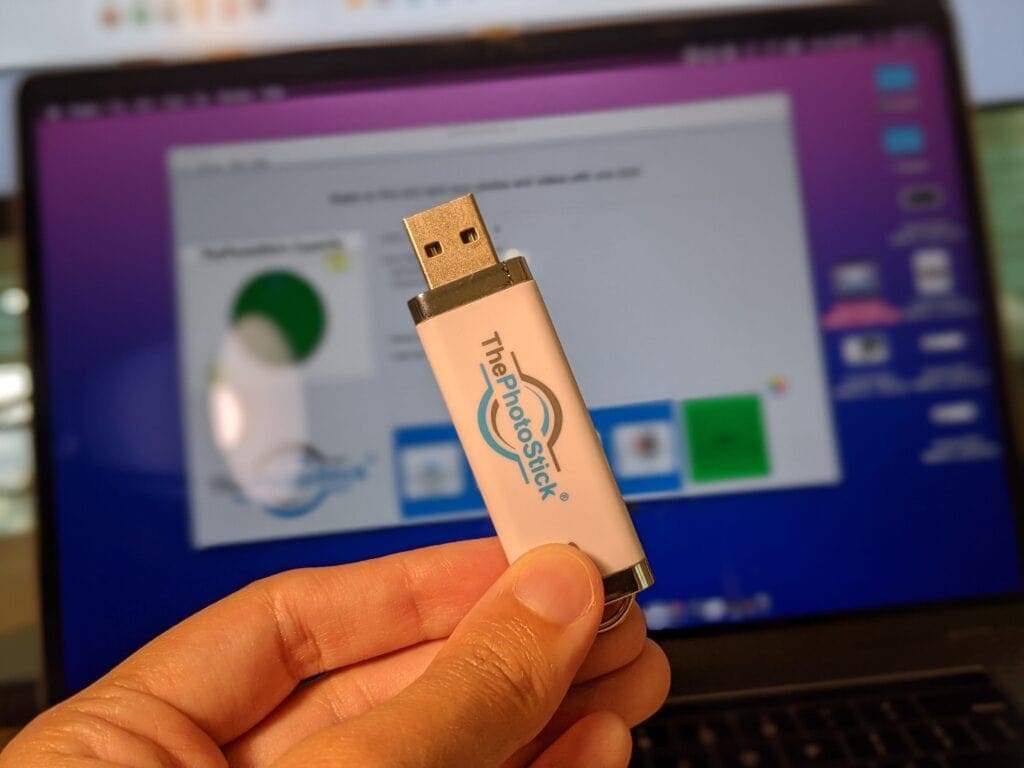

The standard version of ThePhotoStick looks and feels exactly like a traditional USB thumb drive. It is engineered for people who have decades of photos saved on old hard drives, laptops, or desktop computers.
Instead of manually dragging and dropping files, this device does the heavy lifting. It comes pre-loaded with a proprietary software. When you plug it into your computer’s USB port, you simply open the program and click “Go.” The algorithm searches every folder, finds hidden image and video files, skips any duplicates it finds, and backs everything up to the drive.
Pros of Standard Photostick
- Zero technical skills required.
- No monthly cloud storage fees.
- Finds files buried in deep computer folders.
- Does not require internet to function.
Cons of Standard Photostick
- Will not plug into a modern smartphone.
- Requires an adapter for newer MacBooks that only have USB-C ports.
What is Photostick Mobile?
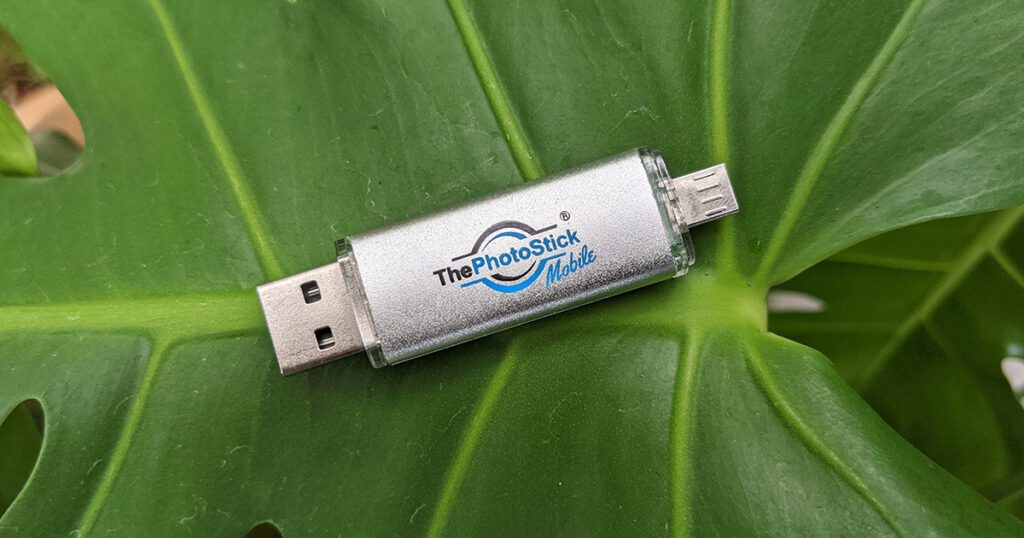

The Photostick Mobile is built for the modern era where most of our pictures are taken on smartphones. Since phone storage fills up incredibly fast with 4K videos and high-res photos, this device let you pull those files directly off the phone.
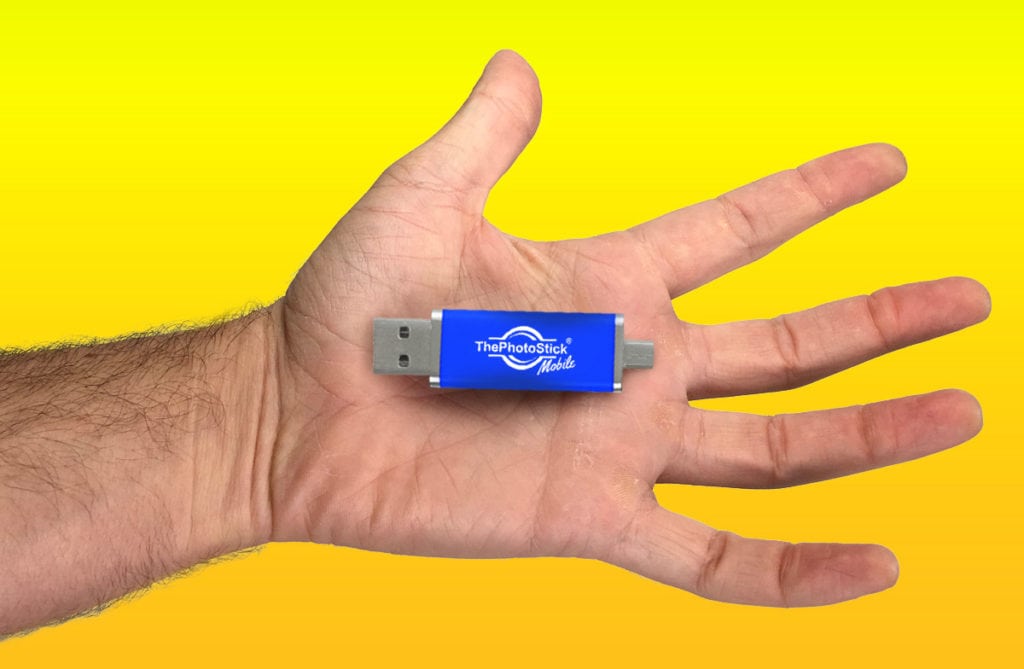
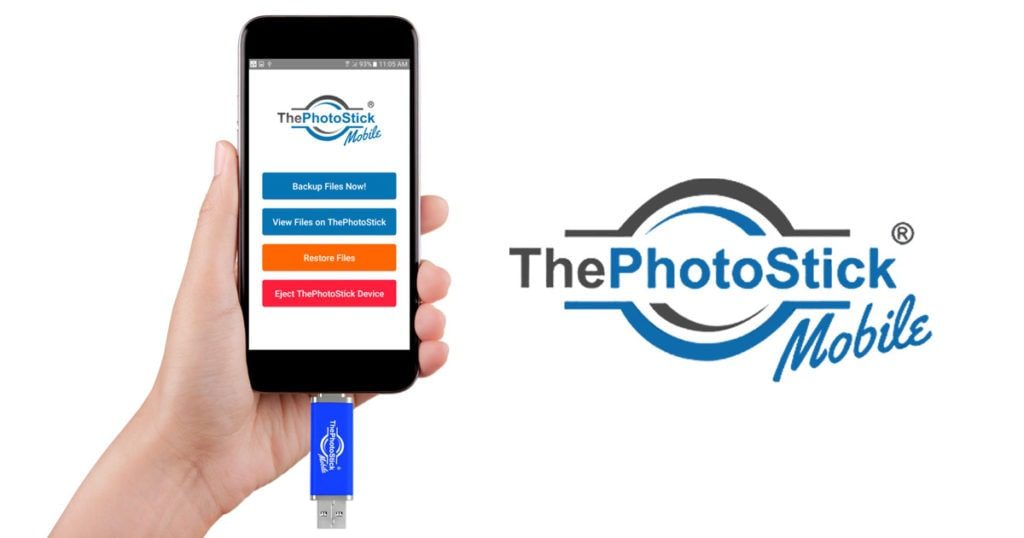
It features a unique multi-port design. One end has a connector for your phone (like Apple’s Lightning port), and the other end usually has a standard USB. To use it, you must download the free “ThePhotoStick Mobile” app. Once you plug the drive into your phone’s charging port, the app opens and allows you to back up your gallery with one tap.
Pros of Photostick Mobile
- Frees up phone storage instantly while traveling.
- Bypasses the need to use iTunes or a computer for transfers.
- Easily move files from an old phone to a new phone.
Cons of Photostick Mobile
- Requires a one-time internet connection to download the app.
- The mobile app interface is slightly basic.
Real-Use Insights (Our Testing Experience)
To make sure we give you the most accurate advice, I have test both drives extensively over the past month. We don’t just rely on manufacturer claims.
Testing the Standard Photostick on PC I plugged the standard 64GB Photostick into my Windows 11 desktop. The software launched immediately. I had intentionally placed duplicate photos in different folders. The software successfully identified the duplicates and only saved one copy. Transfer speed was average for a USB 3.0 drive; backing up about 15 GB of media took roughly 20 minutes. The device got slightly warm, but nothing concerning.
Testing Photostick Mobile on iPhone For the mobile version, I used an iPhone 14 Pro. Finding the app in the App Store was easy. Once plugged in, the app recognized the drive instantly. Transferring photos directly from the iPhone was highly convenient. However, I noticed that if my phone screen turned off and locked during a massive 5,000-photo backup, the app sometimes paused the transfer.
Practical Insight: When using the Photostick Mobile for the very first large backup, go into your phone settings and set your screen to “Never Sleep.” Once the first big backup is done, future backups only take a few seconds.
Common Problems Each Device Solves
The “Scattered File” Problem
Solved by: Standard Photostick. If you have photos saved in “My Documents,” “Downloads,” and random desktop folders, finding them manually is frustrating. The standard stick scans the whole hard drive and pulls them into one organized location.
The “Storage Full” Problem
Solved by: Photostick Mobile. When you are at a family event and your phone says “Cannot Take Photo: Storage Full,” you usually have to delete precious memories. The mobile stick let you plug in, offload 1,000 photos in minutes, and keep taking pictures.
Which One Should You Choose? (Buyer Decision Guide)
Making the right choice is simple if you follow this guide:
Choose the Standard Photostick if:
- You use a desktop PC or an older laptop as your primary photo hub.
- You want to digitize and secure old memories stored on a hard drive.
- You do not need to pull photos directly off your mobile phone.
Choose the Photostick Mobile if:
- Your iPhone or Android is constantly running out of space.
- You want to easily move photos from your phone to a computer later (using the dual-plug design).
- You travel often and need to offload videos without Wi-Fi.
The “Omni” Alternative: If you want to back up both a computer and a phone, you might want to skip both of these and look at ThePhotoStick Omni. The Omni is their newest model that includes a universal adapter, making it compatible with almost every device in your house.
Frequently Asked Question
Will the standard PhotoStick work on my iPhone or Android?
No. The standard PhotoStick features a traditional USB-A connector designed specifically for desktop computers and laptops. To backup a smartphone, you must purchase ThePhotoStick Mobile or Omni version.
Does ThePhotoStick Mobile work on laptops too?
Yes. ThePhotoStick Mobile (and Omni) comes with built-in adapters that allow it to plug into both a smartphone’s charging port and a traditional computer’s USB port, making it a more versatile option.
Do I have to pay monthly fees for either device?
No. Both the standard PhotoStick and the Mobile version are one-time hardware purchases. The proprietary backup software is included on the drive, meaning there are zero recurring cloud storage subscription fees.
Does Photostick Mobile need internet to work?
No, it does not need internet for the actual backup. You only need Wi-Fi or cellular data once to download the free application from the Google Play Store or Apple App Store. After that, transfers happen locally through the physical connection.
Can you use a regular Photostick on a phone?
No, you cannot. The regular Photostick features a traditional USB-A connector that will not fit into a smartphone’s charging port. You would need to buy a separate third-party OTG adapter to make it fit.
How does the Photostick duplicate finder work?
The software scans the file names, file sizes, and metadata of your images. If it detects two identical files located in different folders on your device, it will only save one copy to the USB drive, saving valuable storage space.
What happens when the Photostick is full?
The software tracks what has been backed up. When the drive is full, it will notify you. If you buy a second Photostick, it recognizes your device and will pick up right where the first one left off, skipping the old photos.
Are there monthly fees for Photostick?
No. Both devices are a one-time hardware purchase. The backup software and mobile applications are included for free, meaning you will never pay monthly cloud subscription fees.
Can I transfer photos from my phone to my PC with the Mobile version?
Yes. The Photostick Mobile usually has a connector for your phone on one end and a standard USB on the other. You can back up phone photos, then plug the USB end into your PC to transfer them.
Does it organize my photos by date?
Yes, the software retains the original metadata of your photos. When it backs them up, it organizes them into folders based on the date and year they were originally taken or saved.
Will it delete photos off my phone automatically?
No, it will never delete your original files without your permission. After a successful backup, the app will ask if you want to delete the photos from your phone to save space. You can choose yes or no.
Is my data safe on a Photostick?
Your data is physically safe as long as you do not lose the drive. Because it is an offline storage device, your photos cannot be hacked or leaked over the internet like they can in cloud storage breaches.
What file formats does it support?
Both versions support almost all standard image and video formats, including JPG, PNG, GIF, MP4, and MOV. The mobile version also supports HEIC files, which is the default photo format for modern Apple iPhones.