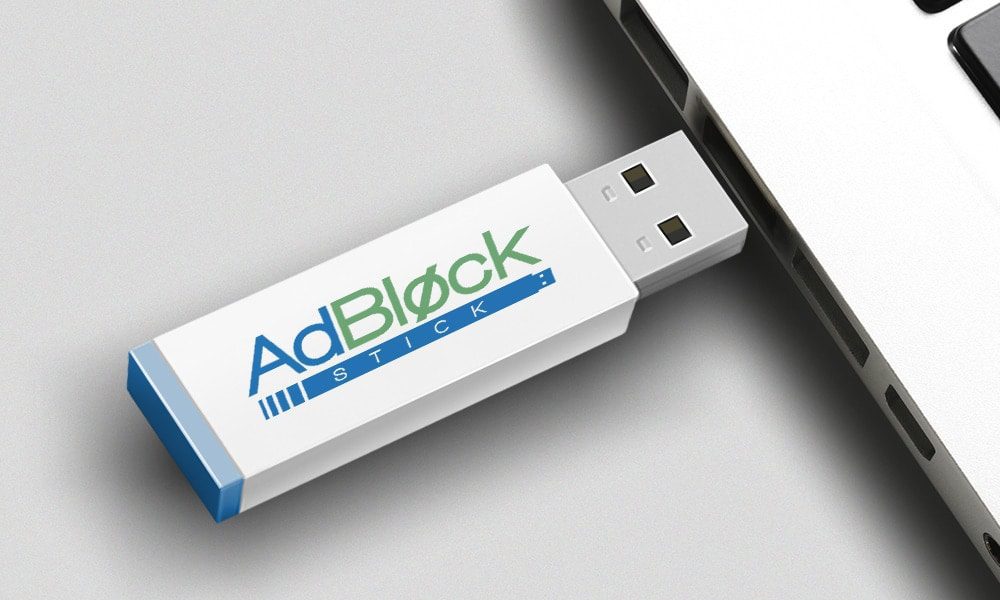
Quick Verdict: The Adblock Stick is a USB flash drive that installs automated ad-blocking software onto your Windows computer. While it does successfully block YouTube ads, pop-ups, and annoying banners, most reviews won’t tell you the brutal truth: you are essentially paying for convenience. The software it installs functions similarly to free browser extensions like uBlock Origin or AdGuard.
If you are reasonably tech-savvy, save your money and download a free extension. However, if you are completely terrified of technology, tired of confusing software installations, and just want a simple “plug-it-in-and-click-next” solution to fix your slow computer, the Adblock Stick provides a frictionless, foolproof shortcut.
Let’s be completely honest for a second. If you spend more than ten minutes a day on the internet, you are probably drowning in advertisements.
Between the unskippable 30-second video ads, the pop-ups that cover the article you’re trying to read, and those creepy banners that follow you around after you look at a pair of shoes online—it’s exhausting. Not to mention, all those loading scripts severely slow down older computers.
You’ve likely seen the flashy ads for the Adblock Stick claiming to be a “magic” USB device that doubles your internet speed and banishes ads forever. I’ll admit, when I first saw the pitch, I was incredibly skeptical. A USB stick that blocks ads? How is that even possible?
In this comprehensive Adblock Stick review, we are going to cut through the marketing hype. We’ll look at what this device actually does, how it works behind the scenes, and most importantly, whether it’s actually worth your hard-earned money.
Adblock Stick at a Glance
Below is a quick breakdown of what you’re actually getting when you order this device.
| Feature | Adblock Stick Specs & Details |
| Product Category | Plug-and-Play Software USB |
| Core Function | Blocks banners, video ads, and pop-ups |
| Operating System | Windows Only (Windows 7, 8, 8.1, 10, 11) |
| Mac Compatibility | No (Currently unsupported) |
| Installation | USB Port + On-screen prompts |
| Multi-Device Support | Yes (Can be used on multiple Windows PCs) |
| Current Price | ~$39.99 (Discounts available for bulk orders) |
| Money-Back Guarantee | 30 Days |
What Is the Adblock Stick?
Despite its physical appearance, the Adblock Stick isn’t a magical piece of hardware that intercepts Wi-Fi signals. At its core, it is a standard USB flash drive pre-loaded with an executable software file.
When you plug it into your computer, it runs a program that installs system-wide ad-blocking protocols. It alters how your computer communicates with ad servers, effectively creating a roadblock. When a website tries to load a banner ad or an autoplay video, your computer simply refuses to download it.
Why does this matter? Because when your computer doesn’t have to download hundreds of heavy, flashy advertisements, web pages load significantly faster. For older, sluggish Windows laptops, this can feel like a massive performance upgrade.
Key Features (What It Actually Does for You)
The landing page makes some wild claims. Let’s translate those into real-world benefits.
1. Total Ad Eradication (Even Video Ads) The Benefit: You can finally watch a YouTube playlist or read a news recipe without being interrupted every three minutes. It blocks pop-ups, pop-unders, and those frustrating autoplay videos that blast sound when you least expect it.
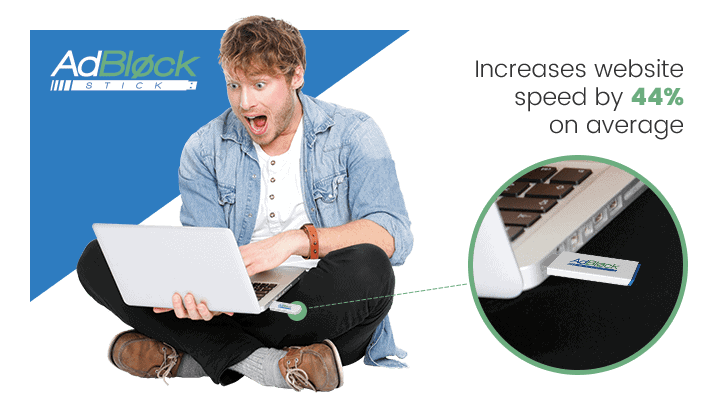
2. Drastically Faster Browsing The Benefit: The manufacturer claims a “44% increase in speed.” While your mileage will vary depending on your internet connection, the reality is that ads consume bandwidth. By blocking them, older processors don’t have to work as hard, resulting in snappier web browsing.
3. Privacy & Tracker Protection The Benefit: You know how you search for a blender on Amazon, and suddenly blender ads follow you to Facebook and Yahoo? The Adblock Stick severs those tracking scripts, giving you a cloak of anonymity while you browse.
How It Works (The Technical Truth)
Here is the part most competitor reviews completely skip over.
There is zero technical knowledge required to use this, which is its biggest selling point.
- Plug it in: Insert the stick into any open USB port on your Windows machine.
- Click Install: A window pops up. You follow the incredibly simple on-screen instructions.
- Let it Run: The software installs, updates its filter lists, and runs quietly in the background.
You only need to do this once per computer. After it’s installed, you can literally unplug the USB stick, put it in your desk drawer, and the ad-blocking software will remain active on your machine. You can then hand the stick to your spouse or your parents to use on their computers.
Real Performance Analysis: Marketing vs. Reality
I like to test products rigorously. Here is what you need to know before you buy.
Does it actually stop YouTube ads?
Surprisingly, yes. Because it installs at the system/browser level, it effectively skips right past pre-roll and mid-roll video advertisements on major streaming platforms.
Does it “cure viruses”?
No. The marketing vaguely hints at virus protection. Let me be clear: This is not an antivirus software like Norton or McAfee. However, by blocking “malvertising” (fake download buttons and malicious pop-ups), it prevents you from accidentally clicking on things that would give you a virus. It’s a shield, not a cure.
Does it work on Mac or Phones?
A major downside: The current version is strictly for Windows operating systems (Win 7 through Win 11). It will not work on your iPhone, iPad, or MacBook.
Pros & Cons: The Brutally Honest Truth
What I Like:
- Foolproof Setup: It is impossibly easy to use. No navigating complex browser extension stores.
- Multi-Use: You can use one stick to protect every Windows PC in your house.
- Noticeable Speed Boost: On my aging 2018 Dell laptop, web pages visibly loaded faster.
What I Don’t Like (The Catch):
- You’re Paying for Free Tech: The underlying software technology is something you can technically get for free online if you know where to look.
- No Apple Support: In today’s market, lacking Mac or iOS support is a big miss.
- Aggressive Marketing: Claims like “saving thousands of dollars” are highly exaggerated.
🥊 Adblock Stick vs. Free Alternatives
If you are on the fence, you need to understand your options.
| Feature | Adblock Stick | uBlock Origin (Free Extension) | Brave Browser (Free) |
| Price | ~$39.99 | $0 | $0 |
| Ease of Setup | Extremely Easy (Plug & Play) | Moderate (Requires finding in web store) | Easy (Requires installing new browser) |
| Tech Knowledge Needed | None | Basic | Basic |
| Platform | Windows Only | All desktop browsers | Desktop & Mobile |
| Best For | Seniors, tech-beginners | Tech-savvy users | People who want a new ecosystem |
Takeaway: The Adblock Stick does not offer superior ad-blocking compared to free alternatives like uBlock Origin. What it does offer is extreme convenience. It bridges the gap for people who don’t know how to install browser extensions.
Is the Adblock Stick a Scam?
This is the most searched question regarding this product. No, the Adblock Stick is not a scam.
If you pay for it, a physical product will arrive in your mailbox. When you plug it in, it will successfully block ads on your computer. It does exactly what it promises to do.
However, is it a good value? That depends entirely on your tech literacy. If you know how to navigate the Google Chrome web store, paying $40 for this is a waste of money. But if the thought of “installing a browser extension” makes you anxious, you are paying $40 for peace of mind and an easy solution.
Who Should Buy It (And Who Should Skip It)
If you’re this person → BUY THIS:
- You aren’t great with computers and want a physical item that solves your ad problem in three clicks.
- You have older parents or grandparents who constantly get confused by computer pop-ups, and you want an easy gift to fix their laptop.
- You want to clean up multiple slow Windows PCs in your office quickly.
If you want this → SKIP THIS:
- You use an Apple iMac, MacBook, or Chromebook.
- You are comfortable downloading free ad-blocking extensions from the internet.
- You want to block ads on your smartphone or smart TV (this only works on desktop/laptop PCs).

Frequently Asked Questions
How long does delivery usually take?
Most orders are shipped within 24 hours of purchase, and standard delivery within the US typically takes about 3 to 5 business days via standard bubble mailer.
Can I use the Adblock Stick on multiple computers?
Yes! This is one of its best features. Because the stick installs the software and doesn’t need to stay plugged in, you can pass the stick around to your family members to protect all their Windows devices.
What happens if it doesn’t work for me?
The company offers a standard 30-day money-back guarantee. If you aren’t satisfied, you can contact their customer support team (via email or the toll-free number provided in the package) to initiate a refund.
Will this speed up my slow computer?
If your computer is slow because it’s bogged down by loading heavy video ads and tracking scripts, yes. It will feel up to 40% faster. However, if your computer is slow because of a failing hard drive or lack of RAM, this won’t fix hardware issues.
Final Verdict
The internet has become a loud, chaotic, and intrusive place. Devices like the Adblock Stick capitalize on our collective frustration with endless pop-ups and video interruptions.
At first, I thought this product was completely pointless because free alternatives exist. But then I realized: not everyone is an IT expert. For millions of people, messing with browser settings is stressful.
If you are reasonably good with computers, go download a free adblocker right now. But if you value your time, want zero hassle, and just want a physical plug-and-play solution to make your computer fast and ad-free again, the Adblock Stick genuinely delivers on its core promise.
If you decide this is the right fit for you, make sure to use the official website link below to ensure you get the current 50% discount and the official 30-day money-back guarantee.